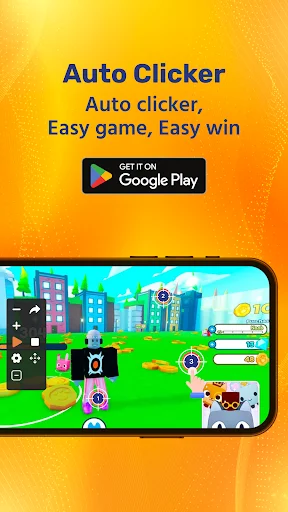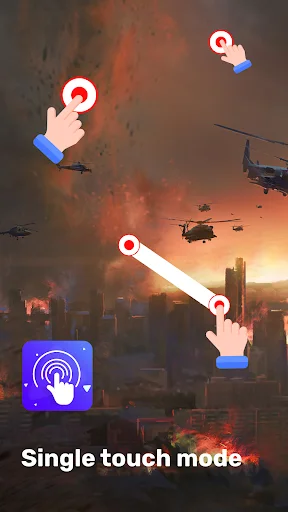
Automate any repetitive screen action with precise control. Set up taps, swipes, and sequences in seconds – no root access needed.
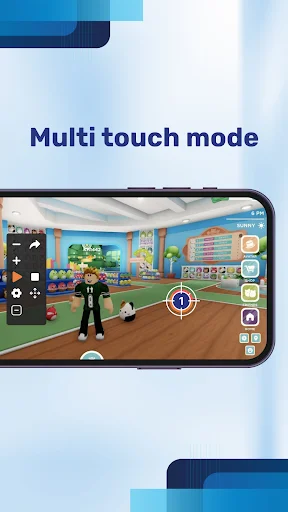
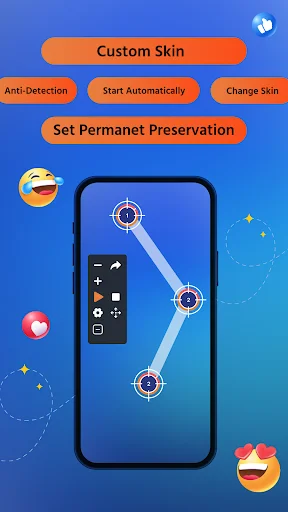
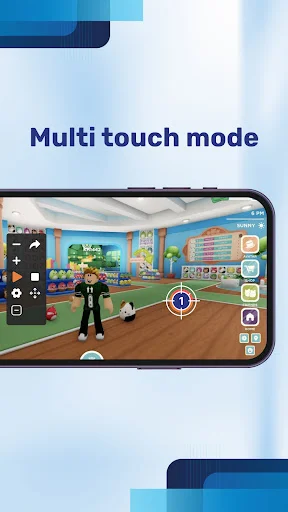
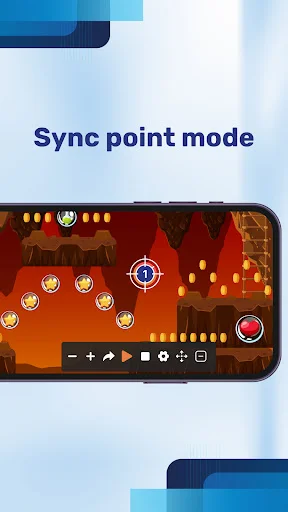
Create automated sequences across multiple screen locations, not just one spot. Perfect for games and apps that need complex tap patterns across different areas.
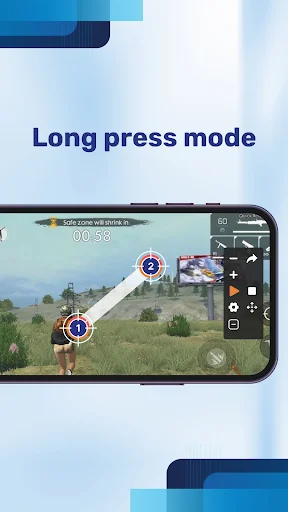
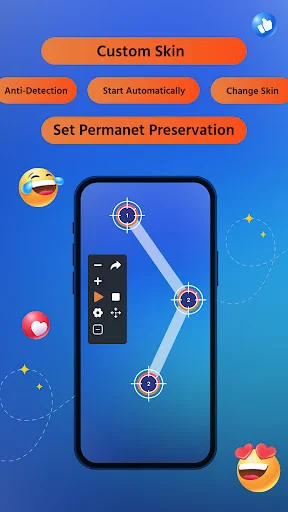
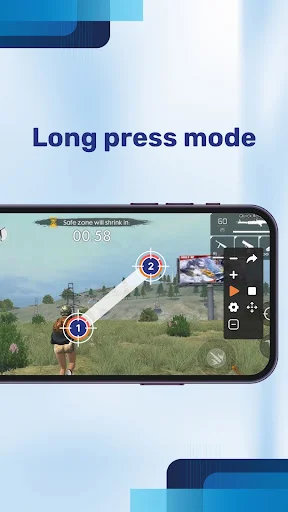
Go beyond simple tapping with full swipe gesture support. Automate drag movements, directional swipes, and any screen motion your routine requires.
Store unlimited configurations and switch between them instantly. Never waste time rebuilding the same automation – just load and go.
Start, pause, or stop automation with on-screen controls while your app runs. Manage everything without switching screens or interrupting your workflow.
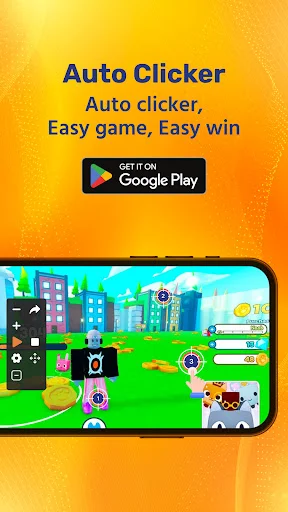
Fast Tap: Auto Clicker App For Games helps automate repetitive screen actions across supported games and apps without requiring root access.
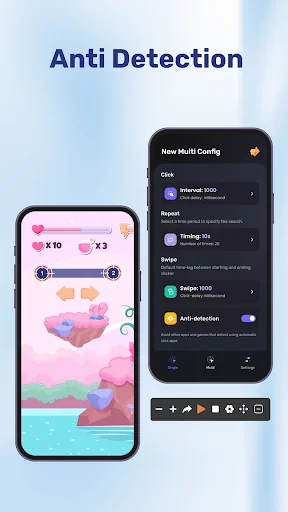
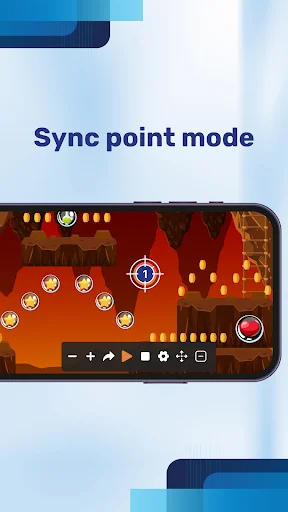
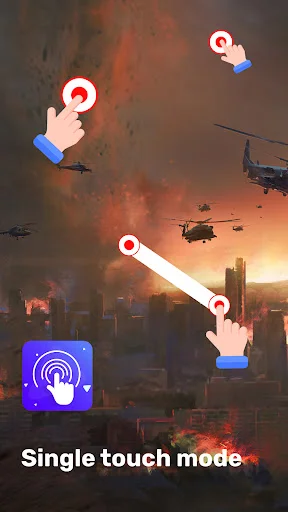
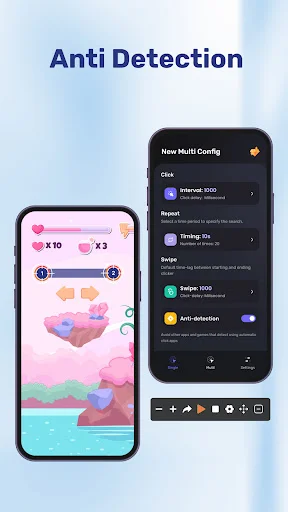
Auto Tapper: Click Assistant gives you flexible single-point and multi-point modes for different routines. Automatic Tapping: Clicker Assistant also lets you control timing, repetitions, positions, and intervals for more precise automation.
AutoClicker: Finger Tap Clicker is useful when a game or utility requires the same screen interaction again and again.
Pro Auto Clicker: Tapping App supports more complex setups when one position is not enough. Multiple touch points can be arranged in a sequence for routines that require several screen locations.
Pro Auto Clicker: Tapping App lets you choose a simple single-position setup or create a sequence across multiple screen areas.
Automatic Tapping: Clicker Assistant lets you decide whether a sequence continues indefinitely or stops after a chosen number of repetitions.
Auto Tapper: Click Assistant supports swipe gestures for routines that involve dragging or directional movement. Save different configurations instead of rebuilding the same setup every time. AutoClicker: Finger Tap Clicker makes switching between previously created routines quick and convenient.
Fast Tap: Auto Clicker App For Games includes an on-screen control panel so automation can be managed while another supported app is open. Pro Auto Clicker: Tapping App keeps the main controls easy to reach without requiring complicated setup.
The app requires the Accessibility Service API to perform automated gestures on behalf of the user. This permission enables touch and gesture actions across supported apps. Accessibility services may also require observing user interactions as part of Android system functionality. The app does not require root access and does not use the accessibility permission to collect personal information.
With adjustable timing, multiple points, swipe support, floating controls, loops, and saved configurations, the app gives you practical tools for automating repeated routines with greater control.