Scan, convert, sign, and share documents in seconds – no expensive equipment or copy shop visits needed. Join over 10 million users who've gone paperless.
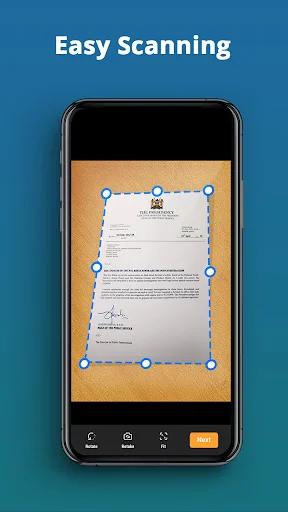
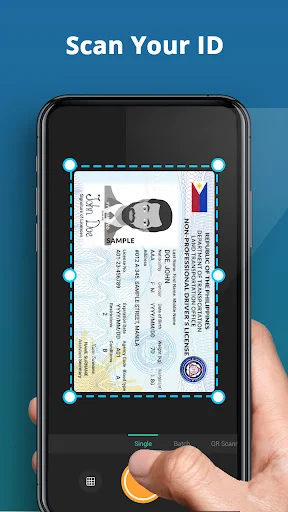
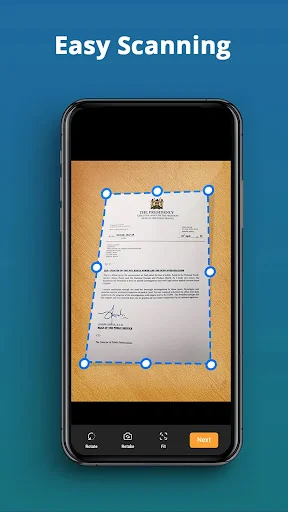
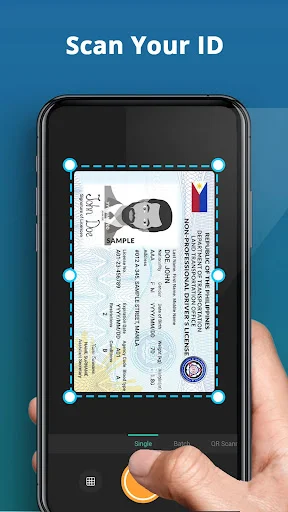
Point your camera at any document, receipt, or business card and get crystal-clear scans in seconds. Automatic edge detection ensures perfect results every time, even for beginners.
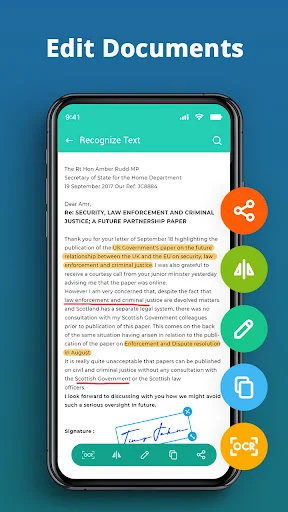
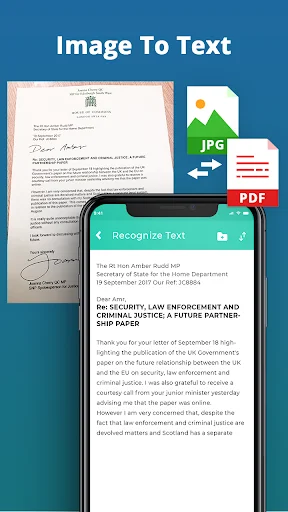
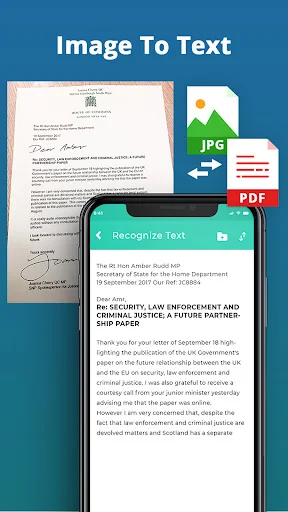
Built-in OCR technology pulls text from any image, making it easy to search, edit, and copy important information. Turn printed documents into editable text without retyping a single word.
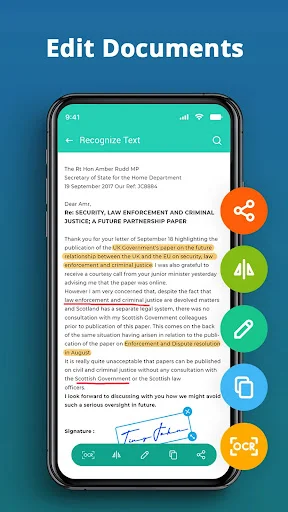
Add your signature to any scanned document right from your phone. No printing, signing, or rescanning needed – perfect for contracts, forms, and agreements on the go.
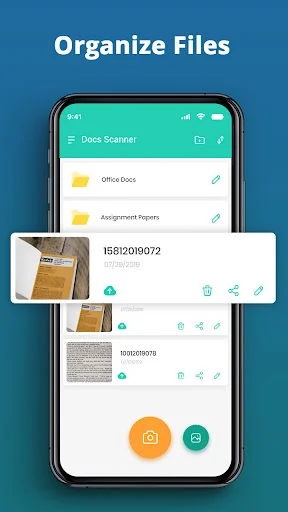
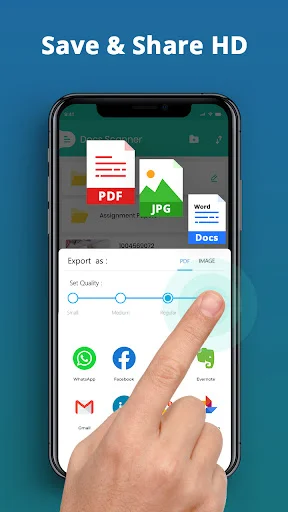
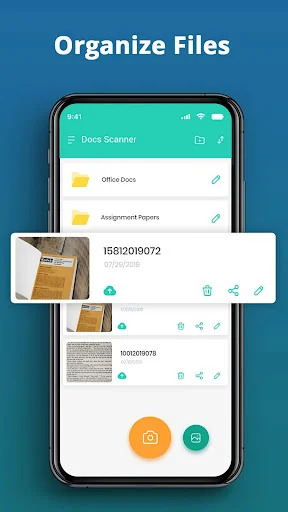
Merge multiple scans into one PDF, organize files in folders, and share instantly via email or cloud storage. Works offline so you can scan and manage documents anywhere, anytime.
With Photo Scanner: Pic To PDF converter app, you can turn your device into a powerful scanning tool. The Scan To PDF Documents Scanner app has all the features required for scanning documents, photos, and so much more, which makes file and document management a breeze. At the office, in the house, or out and about, this Photo To PDF Convert Scanner App For Documents is reliable and produces high quality every time.
Eliminate clutter and welcome maximum digital organization with this Photos To PDF Document Scanner!
The Camera Scanner: Doc Scanner is a fully automatic scanning application that allows users to scan everything from business cards and contracts to important documents within seconds.
Extract Text From Important Images:📱
The Convert Photo To PDF Text Scanner is capable of utilizing OCR to extract text from images and then it becomes easier to search, edit and even share important information.
Sort Out Your Files:📁
Posting your files as either jpeg or pdf with the Assistance of File Scanner app will cut time on document management by merging all files into a single location.
Amazing E Signature App:✒️
Papers are not needed anymore as the built-in e-signature application enables you to sign documents electronically, your work process will become more effective. Such Camera Scanner: Doc Scanner tool allows people to streamline their tasks and stay organized from anywhere in the world.
Enhance Your Output By Using Easy Sharing Tools
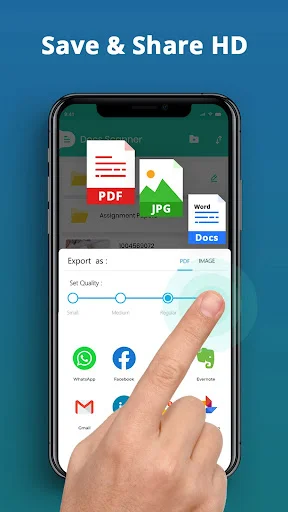
The Photo scanner: Pic to PDF Converter lets you share your scanned files directly with your colleagues by sending them an email, cloud storage, or any other service, irrespective of the workload. With features like the File Scanner app and the Photos To PDF Document Scanner, sharing and managing your files is much easier.
With Photo Scanner: Pic To Pdf Converter, you can observe the comfort of a conventional camera. This application is for those who scan a lot and require scanning on the go. It doesn't matter whether it's a Photo To PDF Convert Scanner App For Documents or a Scan To PDF Documents Scanner, this app provides you with everything.
Make your everyday life effective by employing a Photo Scanner: Pic To PDF Converter. Get a start today!