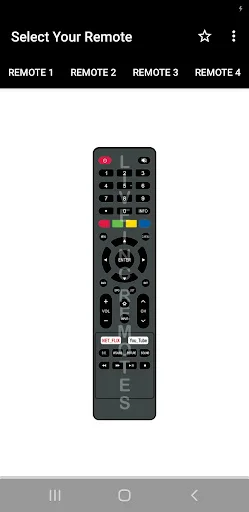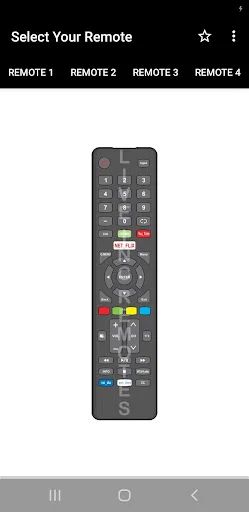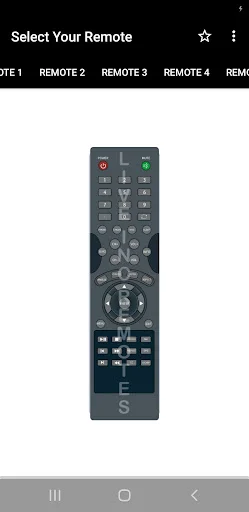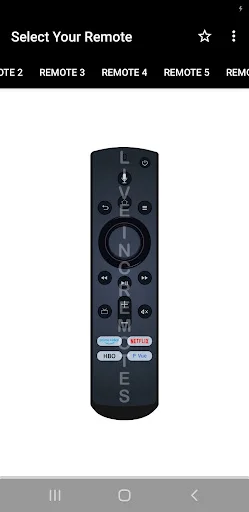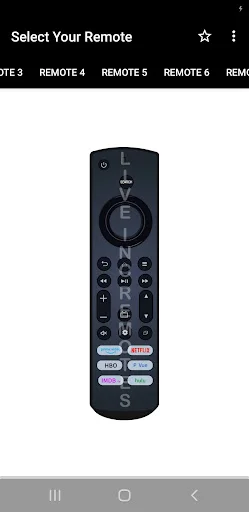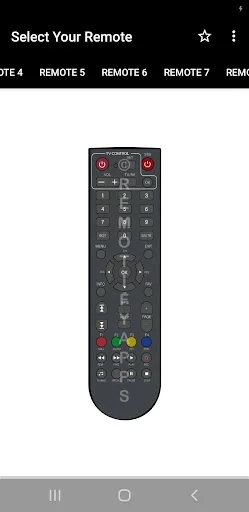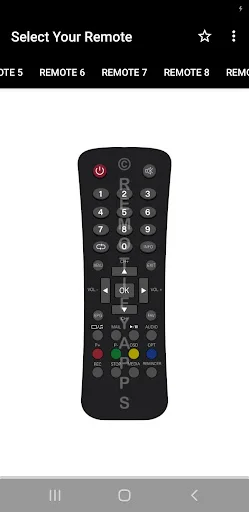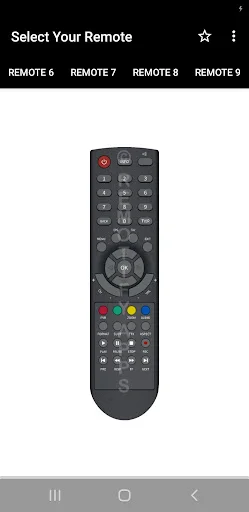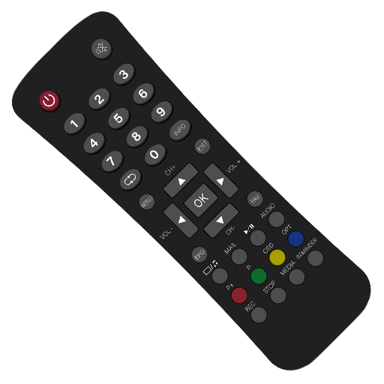
Never search for a lost remote again. Turn your Android phone into a complete remote control for your ACT set-top box with one simple app.
Your physical remote disappears when you need it most. This app gives you a reliable backup that lives on the phone already in your pocket, so you can always control your TV.
No complicated menus or confusing buttons. The clean interface mirrors your physical remote with controls you already know, so you can start using it right away without any learning curve.
Access every essential function you need – change channels, adjust volume, navigate menus, and control playback. Manage your entire TV experience from one convenient screen.
Open the app and start controlling your TV immediately. No long setup process or account creation required – just point your phone at your set-top box and use the controls.
Act Remote Control App gives you a simple way to manage supported ACT set-top boxes directly from your Android device. Keep familiar controls close at hand with a clean layout designed for quick everyday use.
Act Box Remote Controller focuses on convenience when your physical controller is misplaced, unavailable, or simply across the room. Act TV Remote App keeps common functions easy to find without filling the screen with complicated menus.
The interface is designed to feel recognizable, making it easy to locate frequently used functions. Whether you need to change a channel, adjust sound, or move through menus, the main controls remain within easy reach.
Act Remote Control App is designed around common set-top box functions so you do not have to learn an entirely new control system. The clean interface keeps everyday buttons visible and reduces unnecessary steps when you simply want to operate your entertainment device.
Act Box Remote Controller can be useful as an alternative when the original controller is not nearby. Common functions are grouped in an accessible layout, helping you switch between channels, adjust settings, or navigate available menus more comfortably.
Act TV Remote App gives you another way to manage supported equipment using a device you already keep close. Instead of searching around the room for the physical controller, open the app and access the available functions from your phone.
The app keeps setup and navigation straightforward. Buttons are arranged for quick recognition, making it suitable for users who prefer a simple controller rather than a feature-heavy interface.
Available functions depend on your Android phone, ACT STB model, and supported remote-control hardware. Some phones may require built-in infrared capability or another compatible connection method, and certain buttons may not work with every model.
Act TV Remote App provides a practical alternative for controlling supported ACT STB devices with familiar buttons, quick access, and an uncomplicated layout.
This app is not the official ACT Box Remote App.
This app needs your phone to have an Infrared sensor