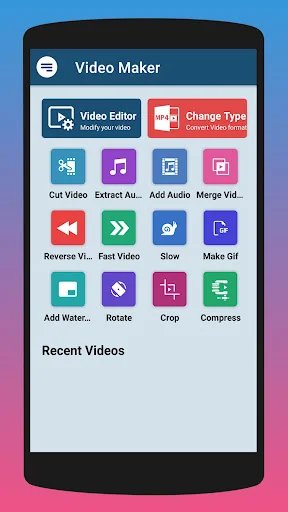
Turn your creative ideas into stunning videos with powerful editing tools designed for everyone. Cut, merge, crop, and add effects – all in one simple app.
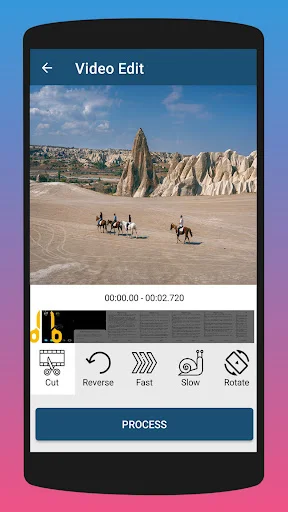
Take full control of your videos with precise trimming tools. Remove unwanted parts and keep only the best moments, making every second count in your final video.
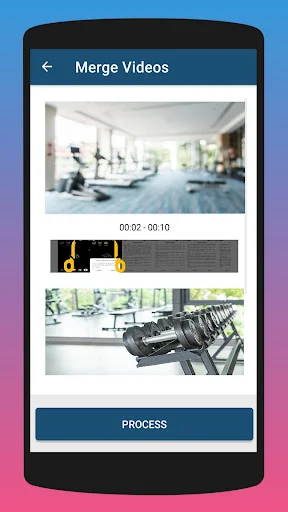
Combine as many video clips as you want into one smooth, professional-looking video. Perfect for creating compilations, vlogs, or telling your complete story without any hassle.
Make your videos stand out with fun effects like reverse playback, slow motion, and animated GIFs. Transform ordinary clips into eye-catching content that gets noticed and shared.
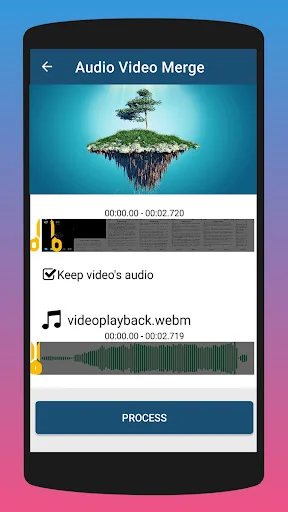
Add background music to set the perfect mood or extract audio from any video as an MP3 file. Get professional-quality sound editing right from your phone.
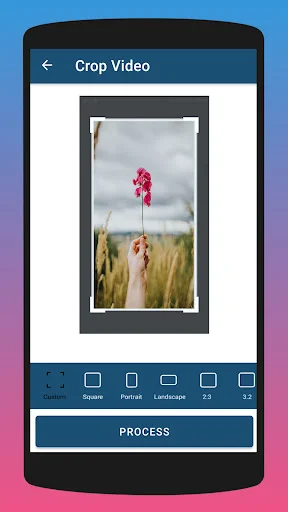
Discover this versatile video cutter and joiner app! Whether you're looking for a reliable video trimmer, a feature to easily crop video, or a seamless way to merge video, this app has everything you need. Simplify your edits and create stunning videos right from your phone.
This isn't just another video cutter and merger app—it's a full-featured editing solution. Whether you want to crop video, merge multiple clips, or experiment with creative tools, this app makes it easy for everyone. Designed for both casual users and professionals, it's your all-in-one editor.
Why wait? Get started with this powerful tool today. Whether it's trimming, cropping, or merging, tools like the video trimmer, crop video editor, and merge video options make editing simple and enjoyable. Download now and turn your creative ideas into reality!