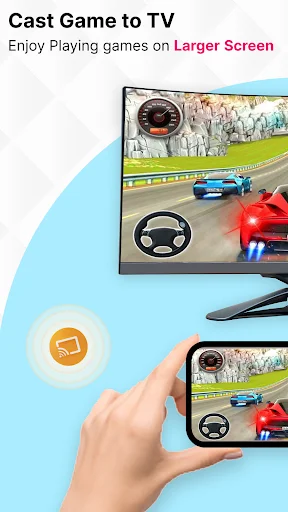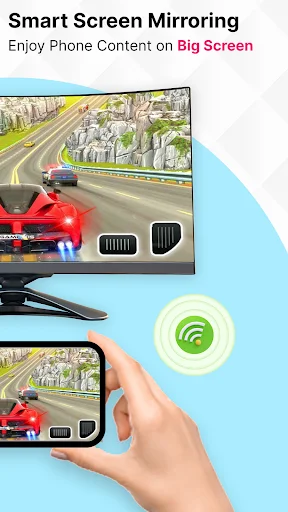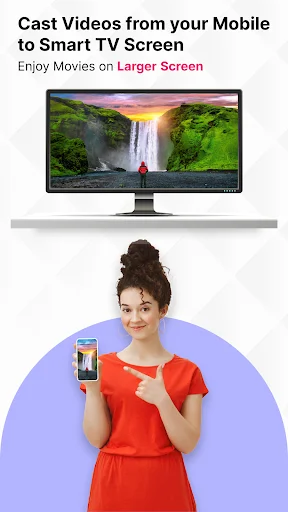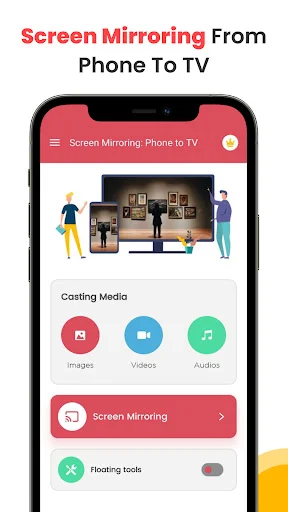
Stop squinting at your phone when you can instantly share videos, photos, games, and presentations on your TV. Connect with one tap and enjoy everything on the big screen.
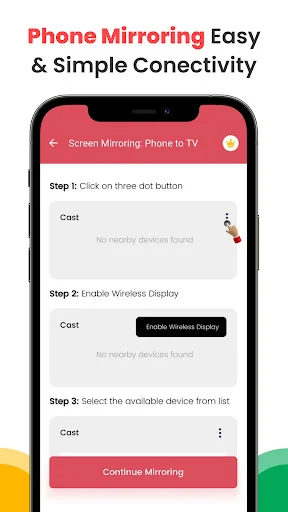
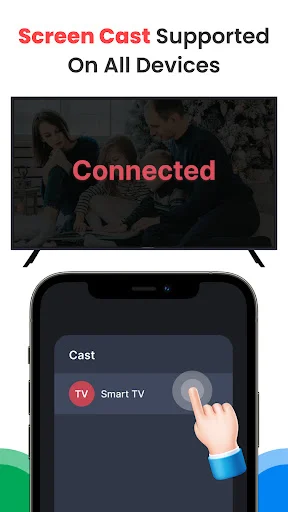
No complicated setup or confusing menus. Just tap once and your phone connects to your TV in seconds. Spend less time setting up and more time enjoying your content.
Watch your favorite shows, movies, and videos in high definition without lag or buffering. Enjoy smooth, stable playback that makes every moment look amazing on the big screen.
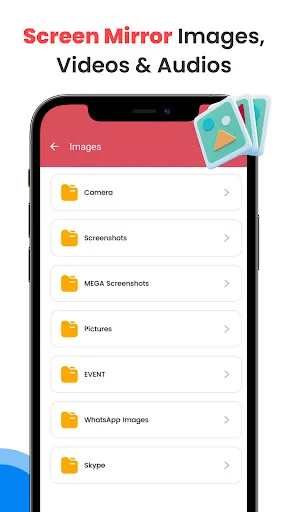
Share vacation photos with family, play mobile games on your TV, stream entertainment, or give presentations at work. One app handles all your screen sharing needs effortlessly.
Compatible with all major smart TV brands and supports Miracast and Smart View. Whether you have the latest model or an older TV, you can connect and start sharing right away.
Have you ever tried to show a group a video on your tiny phone only to realize nobody can actually see the detail? It is really amusing to see how a simple tool can actually take that small display and make it huge on a wall in seconds. Cast To TV Screen Mirroring App is built for those times when you need to share your view with a whole room. You keep your content but the viewing experience is just better.
Life moves fast and honestly it is just nice to have a way to turn a phone screen into a cinema display without any stress at all. Using the TV Casting: Screen Share And Mirror App to fix your home movie night or even to clear up your presentation is fun and is streamlined. Users of this tool have fun with the results. People using the software see their new image appear on the big screen instantly. It is that simple to use the TV Casting: Screen Share And Mirror App.
With the Share Screen Phone Projector, magic feels as if it can occur on your screen while the app processes the visual data. In just seconds, the software makes the connection much lighter for streaming your favorite shows. All you have to do is tap the button and let the Share Screen Phone Projector do its magic. This helps settle those moments when everyone is huddling around a small device. Perfect results become possible with the smart mode, activated within the Share Screen Phone Projector.
The Mirror Screen Sharing App feature has great benefits for your personal work projects. It even helps you with high quality tools like Miracast support or Smart View settings. Using the built-in Mirror Screen Sharing App system, you can pick between showing a photo gallery or a live website. It does the heavy lifting so you can focus on the audience. Users of the Mirror Screen Sharing App have a great experience.
The Mirror Cast TV is best shown off when you need to grab a specific game or app to show your friends. Check the television display so you can see your new high quality video ready to watch. It is a great way to stay organized with your entertainment. The results are often surprising for the sync clarity. Users like to see the Mirror Cast TV results right on their own devices. The software really makes the Mirror Cast TV feel very fast.
What differentiates this Phone Mirroring And Casting App from others is the way it handles almost every smart television brand. Within the Cast To TV Screen Mirroring App, you can find a way to fix a connection from a legacy device. They really like how the software keeps their media ready. The Screen Casting And TV Mirroring is perfect for turning vacations into slideshows. You will find that the Screen Casting And TV Mirroring makes office meetings much easier.
Fixing your display should be quick! This app is all about quick cast sessions and fun ways to manage your visuals while you are busy. Enjoy the software and have fun with what the Screen Casting And TV Mirroring does for your phone. Go ahead and download the Cast To TV Screen Mirroring App now. Experience the Phone Mirroring And Casting App on your own phone today.